FeaturedHow-to
Import your card collection from a CSV or TXT file
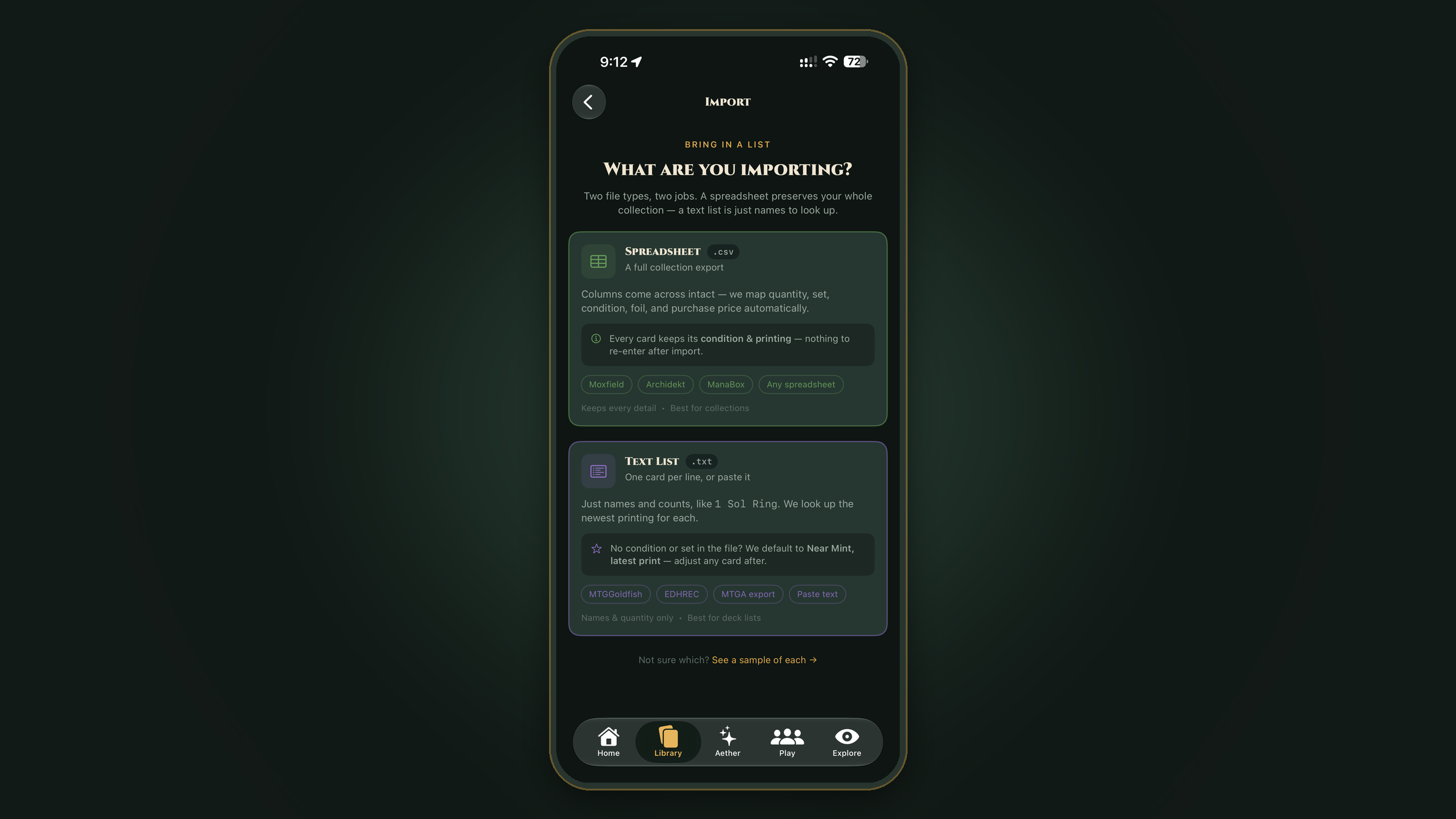
Your card collection is already written down somewhere. Bring it in without typing it all again, and check every match before anything is saved.
5 min read
The tavern board
How-tos for the app, brewing advice, and notes on the Vault, Binders, and the table.
Your card collection is already written down somewhere. Bring it in without typing it all again, and check every match before anything is saved.
5 min read
Start here
01
Batch-scan a binder in one sitting and fix misreads as you go.
Read the guide: Scan your binders02
Bring lists over from text or another app, printings intact.
Read the guide: Import a deck list03
Invite your pod, schedule game night, and keep standings.
Read the guide: Start a playgroup04
Life, commander damage, and turns for the whole table on one phone.
Read the guide: Run table modeLatest
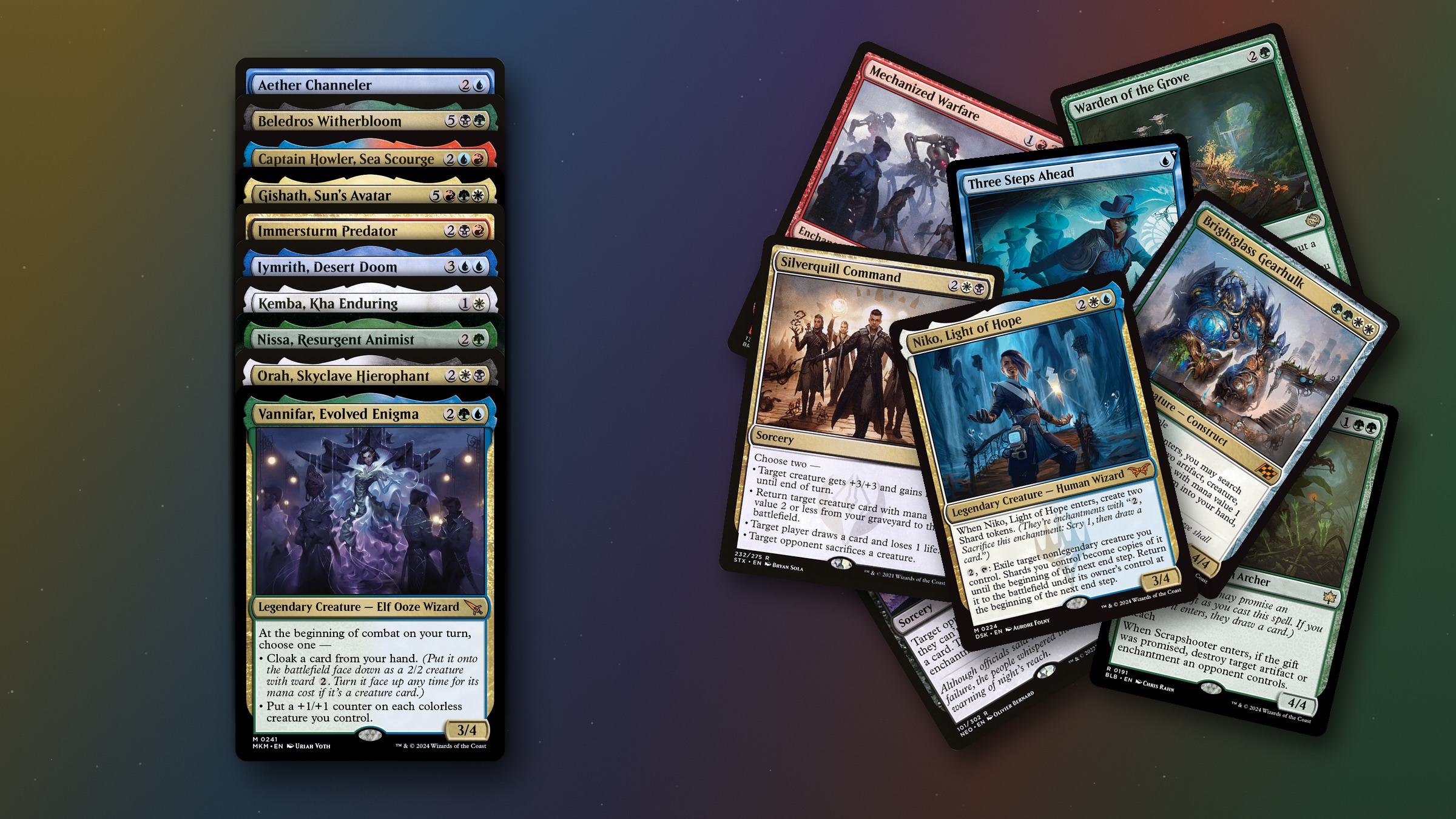
In Rhystic Tavern you can build two kinds of lists: decks and brews. They look alike, but they do different jobs. Here's how to tell which one you need.
2 min read
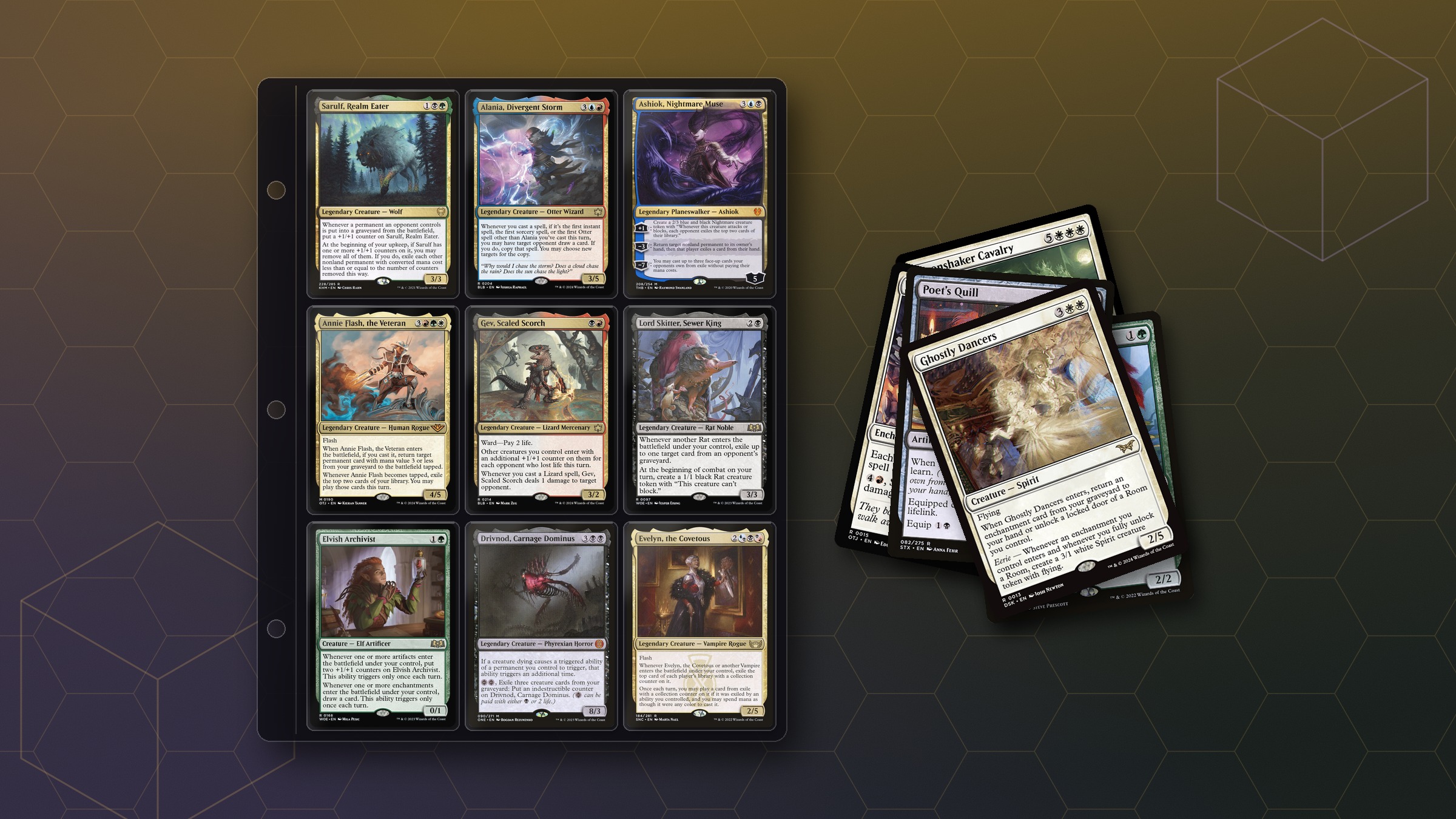
Your Vault holds every card you own. Binders are where you sort them the way you actually think about them.
2 min read
One game on every phone. Each player plays from their own iPhone or iPad, and the board stays in sync for the whole table.
3 min read
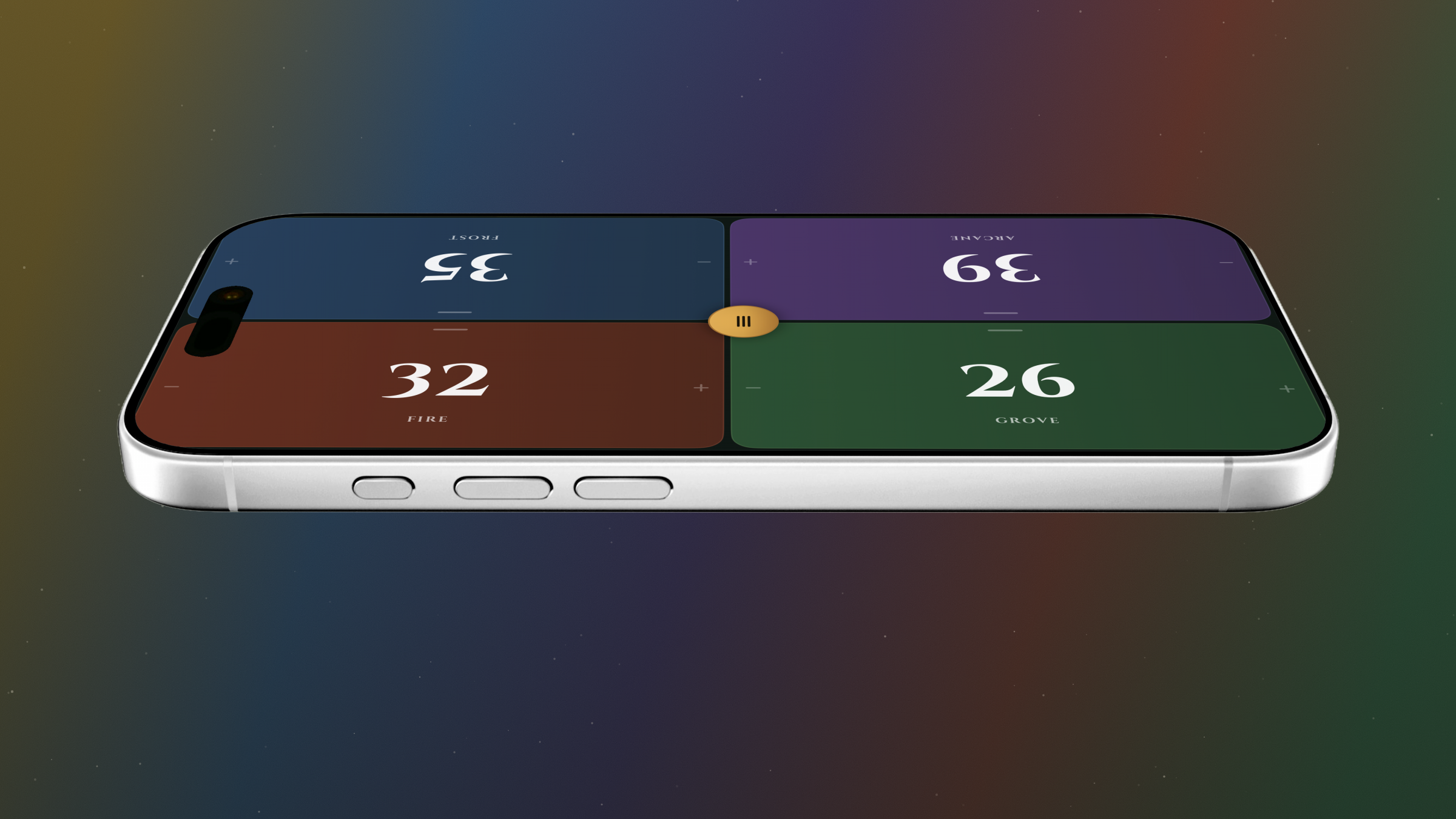
Life, counters and turns for 2 to 6 players on one phone in the middle of the table. In the iPhone app.
3 min read
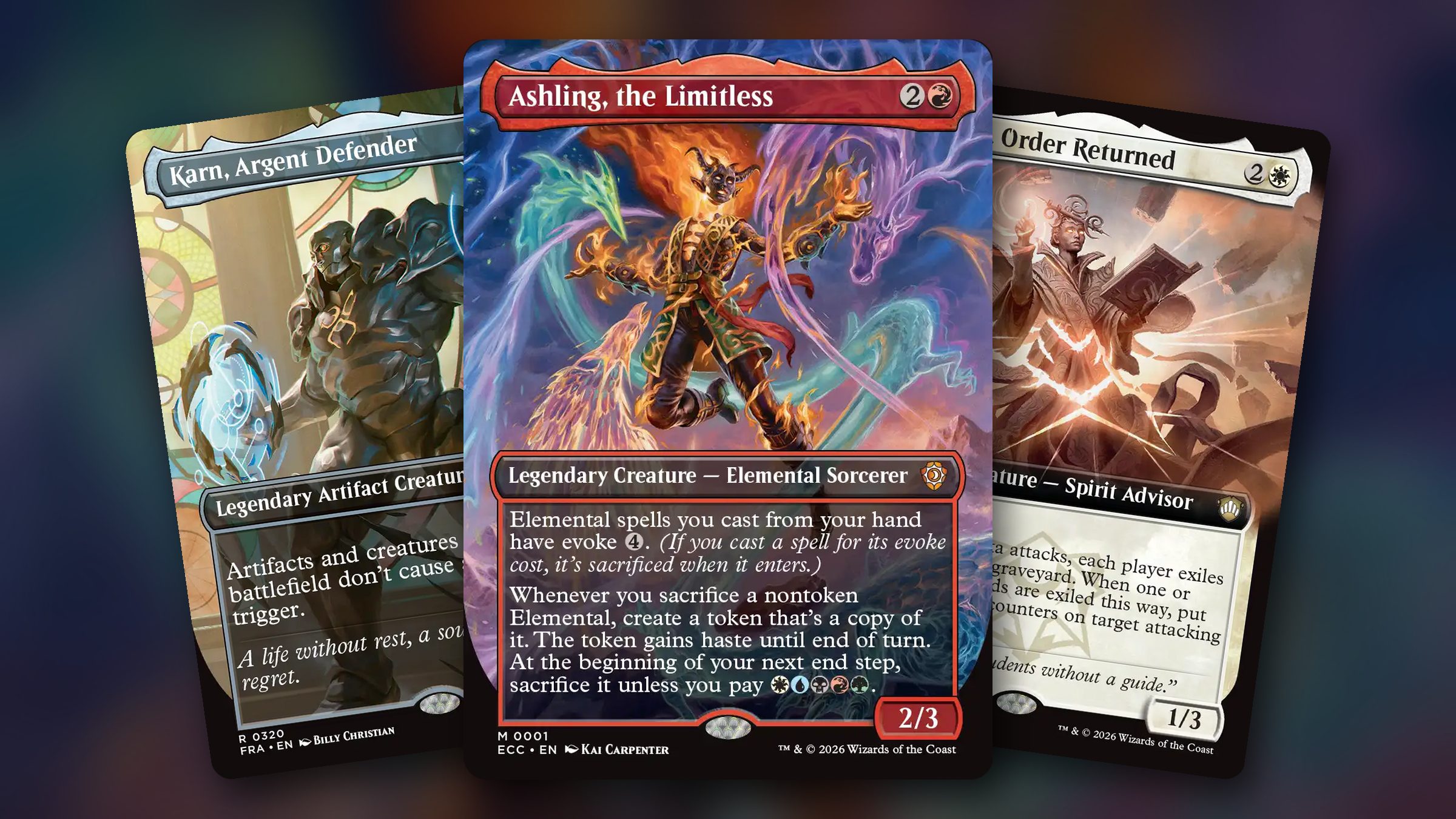
Scan a whole stack in one sitting. Pick a Binder, keep the Vault toggle on, and choose instant scan for speed or standard scan to set the details yourself.
4 min read
Invite your pod, schedule game night and keep standings. A playgroup keeps your people, your chat and your games in one place.
3 min read
Release notes
4.8
Card-level feedback on any shared deck.
4.7
Fewer misreads on foils and older frames.
4.6
Season tables and head-to-head records.
The Monthly Brew